
Introducing GNU STOCK Membership | Unlock unlimited downloads from $9.99/month. Get Access Now

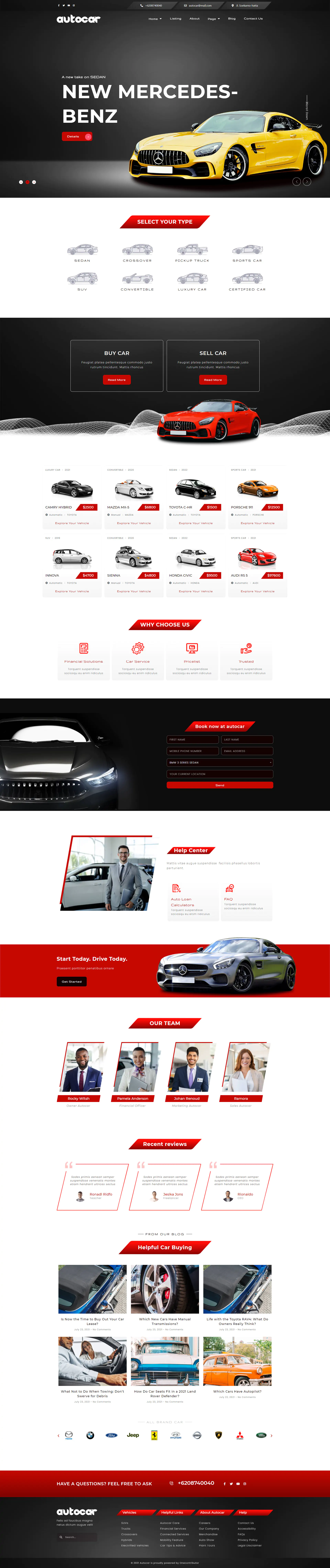
Autocar - Car Dealer Elementor Template Kit

Autocar - Car Dealer Elementor Template Kit
GNU STOCK MEMBERSHIP

Autocar is a powerful and responsive element template kit for Dealer. With the help of this elementor template kit you can create a website for the dealer platform.

With Autocar you can create a beautiful yet modern and elegant template sell car venue in a few minutes. This Elementor template kit is useful for dealers. You can create a creative and fully responsive site according to your business needs.

All Features :

  • 10 Elementor Templates
  • 1 Click Installation
  • True no-code customization with drag and drop visual builder
  • Customize fonts and colors in one place or fine-tune on individual elements
  • Modern, professional design
  • Fast-loading
  • Works with most Elementor themes.

Kit Includes :

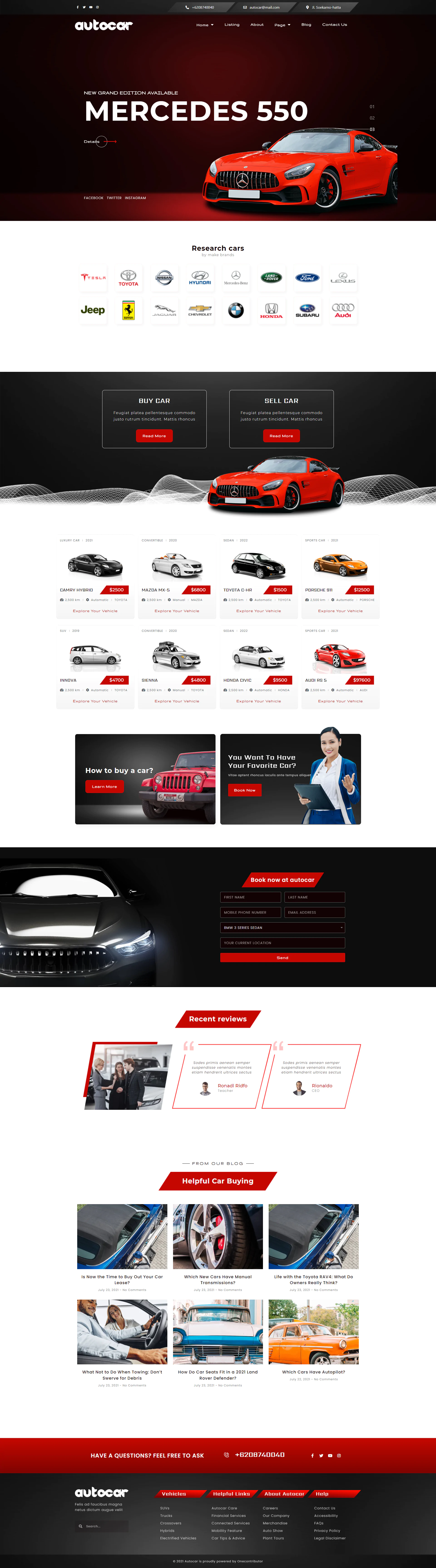
  • Home
  • Home 2
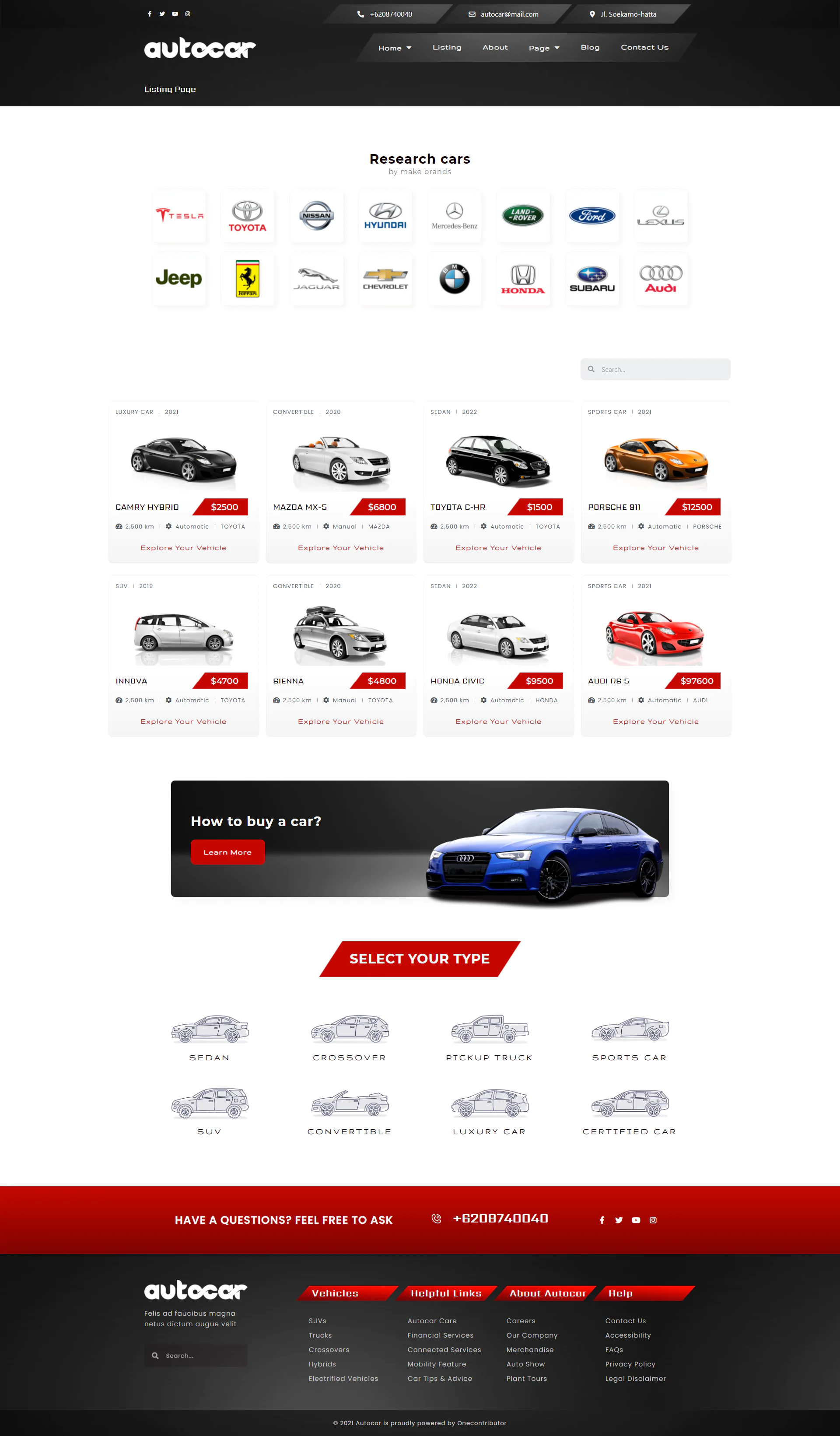
  • Listing
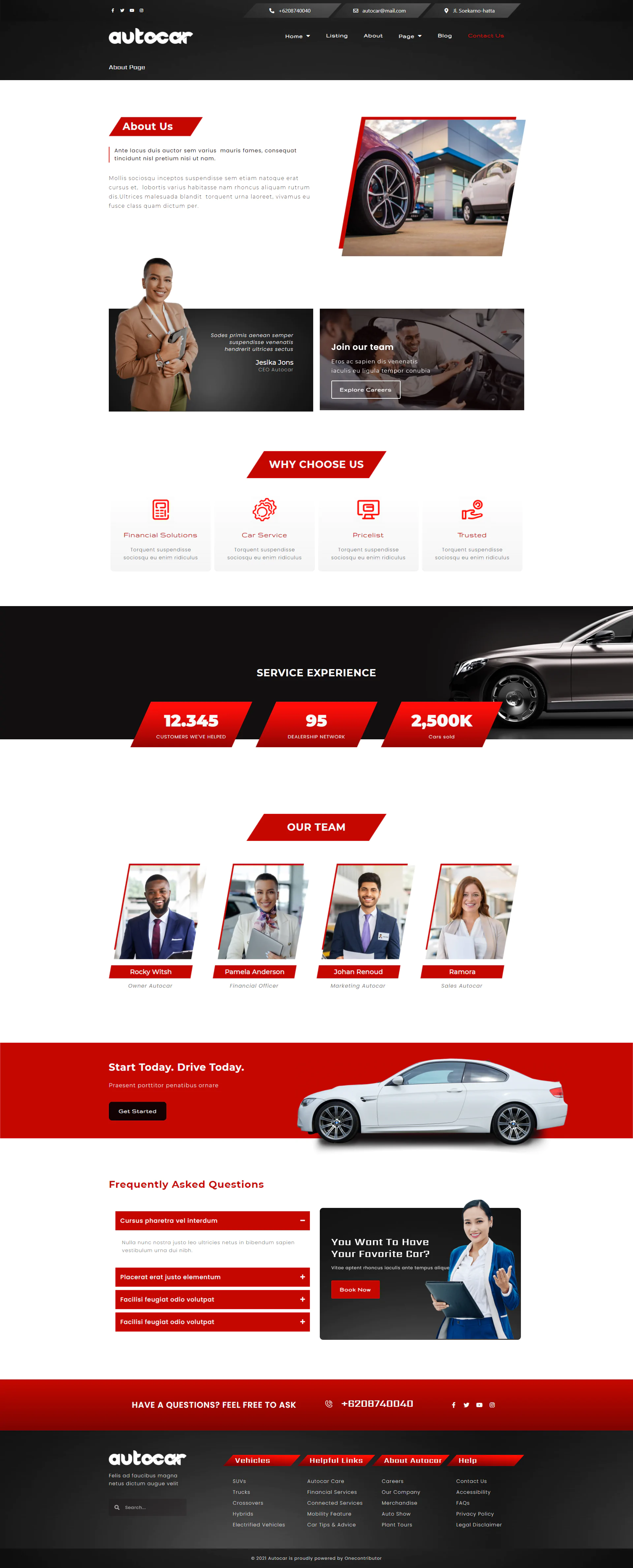
  • About
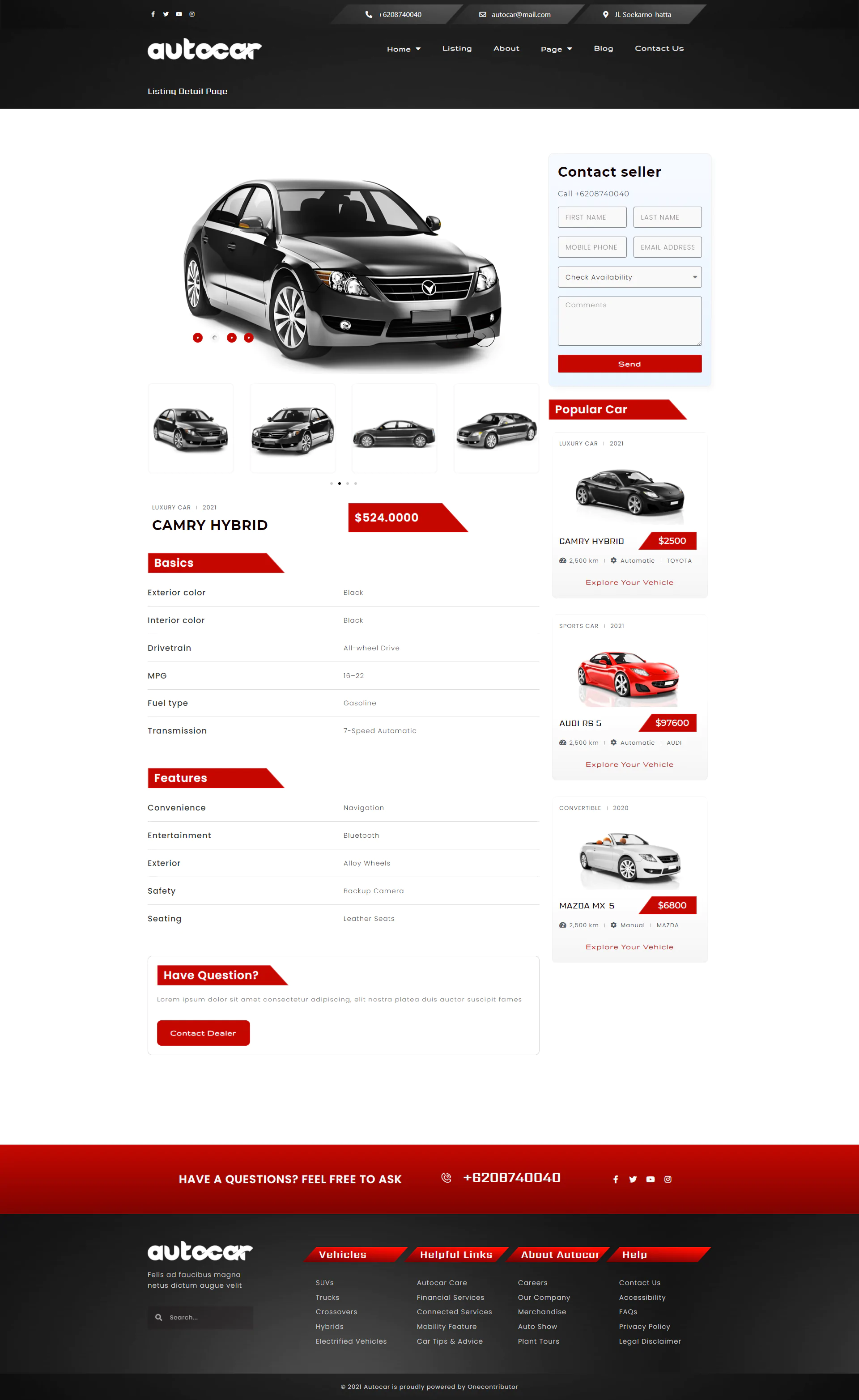
  • Listing Detail
  • Our Team
  • FAQ
  • Error 404
  • Blog
  • Archives
  • Contact Us
  • Single-post
  • Header
  • Footer

Required Plugins (included with kit) :

Elementor

Prime Slider

Elementor Pro upgrade is required for some templates and features (not included)

How to Install:

  1. Download your template kit from your themeforest profile and ensure it remains zipped.
    • If you use the Safari browser, you must ensure "Open Safe Files after Downloading" is disabled in Preferences
  2. Install the plugin from Plugins > Add New by searching for Template Kit Import.
  3. Once the plugin is activated, go to Tools > Template Kit 
     
  4. Click on Upload Template Kit ZIP file to browse to your zip file and import
    • Note: If you get a zip error here, make sure the file you downloaded has not been unzipped and is an Elementor Template Kit, not a WordPress theme or other template type.
  5. Your Template Kit preview will appear. Click View Installed Kit.
  6. An orange banner will appear if your kit requires additional free plugins. Click Install Requirements for details.
  7. A popup will appear listing the plugins your kit needs installed or activated. Click Install Requirements to proceed.
  8. Begin by clicking Import on the Global Kit Styles first to import the font and colors. Skip this if you want to use an existing style or your theme's styles.
  9. Import each template one at a time in the order shown. Avoid clicking too many at once. Your browser can typically only handle up to 3-4 at a time.

These templates are stored in Elementor under Templates > Saved Templates and only need to be imported once.

If your kit uses Elementor Pro, you will have additional "Global" templates under Templates > Theme Builder.

Detailed Guide

For further support, go to Elementor > Get Help in WordPress menu.

Images :

This Template Kit uses demo images from Envato Elements. You will need to license these images from Envato Elements to use them on your website, or you can substitute them with your own.

Unlock unlimited downloads from $9.99/month

Subscribe to get access to unlimited premium items from our community of global authors and developers.

Get access now
Licence Option
Quality checked by GNU STOCK
Full documentation
Future updates
Author support

Mahmoud Noaman Studios's other items

By choosing "Accept" you agree to store cookies on your device to improve site navigation, analyse use, and aid in marketing activities.

Read More